Google Maps Ranking Checker
Check Your Business Visibility on Google
See where any Google Business Profile ranks in Google Maps and local search results for free – no account needed.
How It Works
Submit Your
Business Details
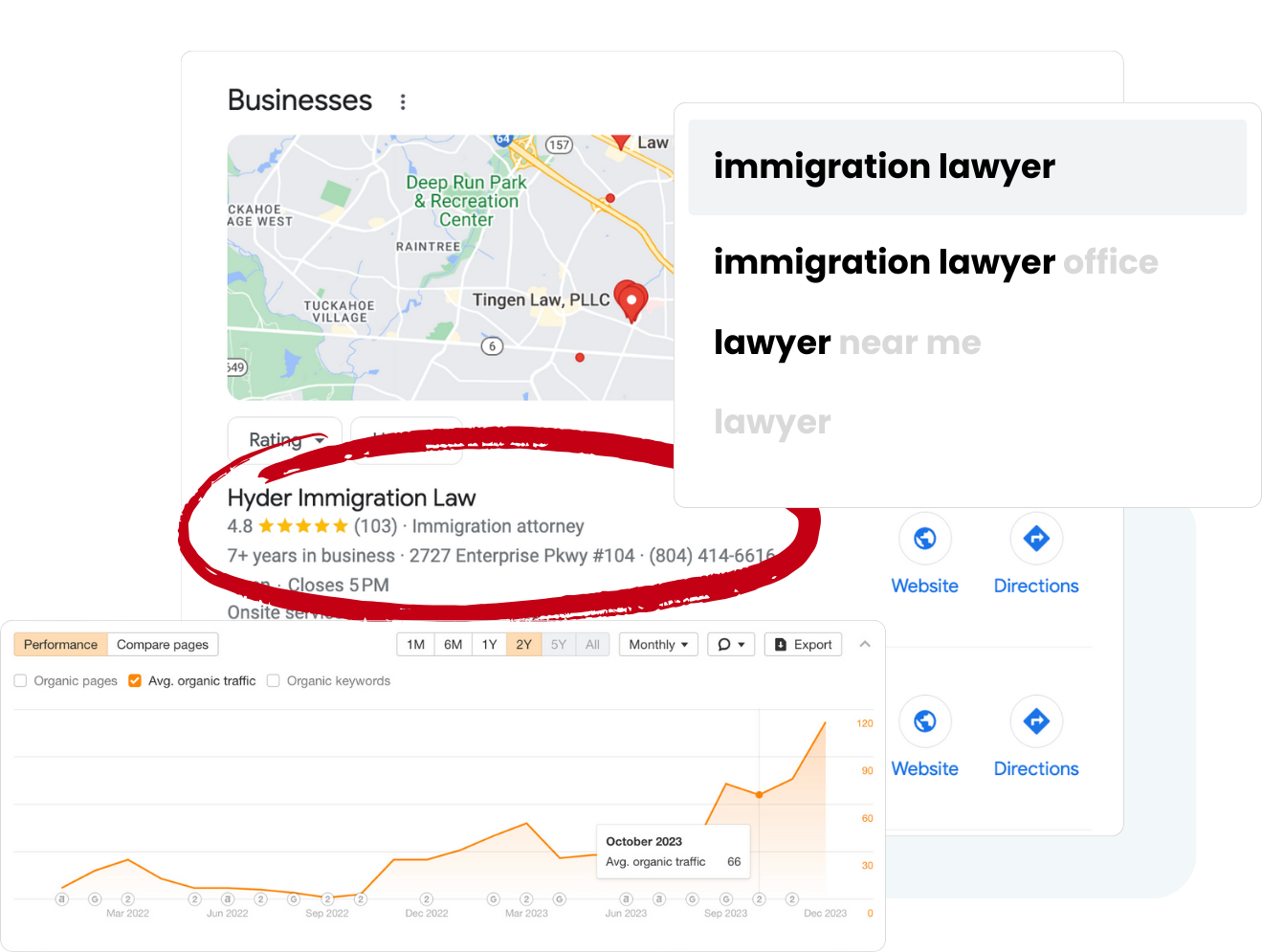
To get started with a Google Maps ranking report, you simply fill out a form with your business information. This includes your business name, Google Business Profile (GBP) listing name, website URL, target local keywords, and the city or cities where you want to track your rankings. Providing accurate details allows the tool to customize the report specifically for your business, ensuring relevant and actionable data.
Accurate submission of your GBP listing name, business name, website URL, target keywords, and city is crucial. This information enables the rank checker to tailor the report to your unique business circumstances, ensuring the insights you receive are relevant and actionable. The tool performs Google searches for specified keywords from each simulated location and records the search results, providing a detailed and accurate analysis of your local rankings.
We Run a Local Search Grid Report
Once submitted, the tool runs a comprehensive local search grid report. This report scans your entire service area, including multiple locations or specific locations within your target city, to generate a visual grid map. The tool generates a grid of simulated search points across a map of the target area for tracking rankings, ensuring precise and actionable insights. This map shows exactly how your business ranks on Google Maps in different spots, giving you a clear picture of your local search rankings and local search visibility. The grid is color-coded to make interpretation easy:

This visual representation helps you understand your Google Maps SEO performance at a glance and identify where your local SEO efforts should be focused.
Detailed Map Rank Grid Analysis
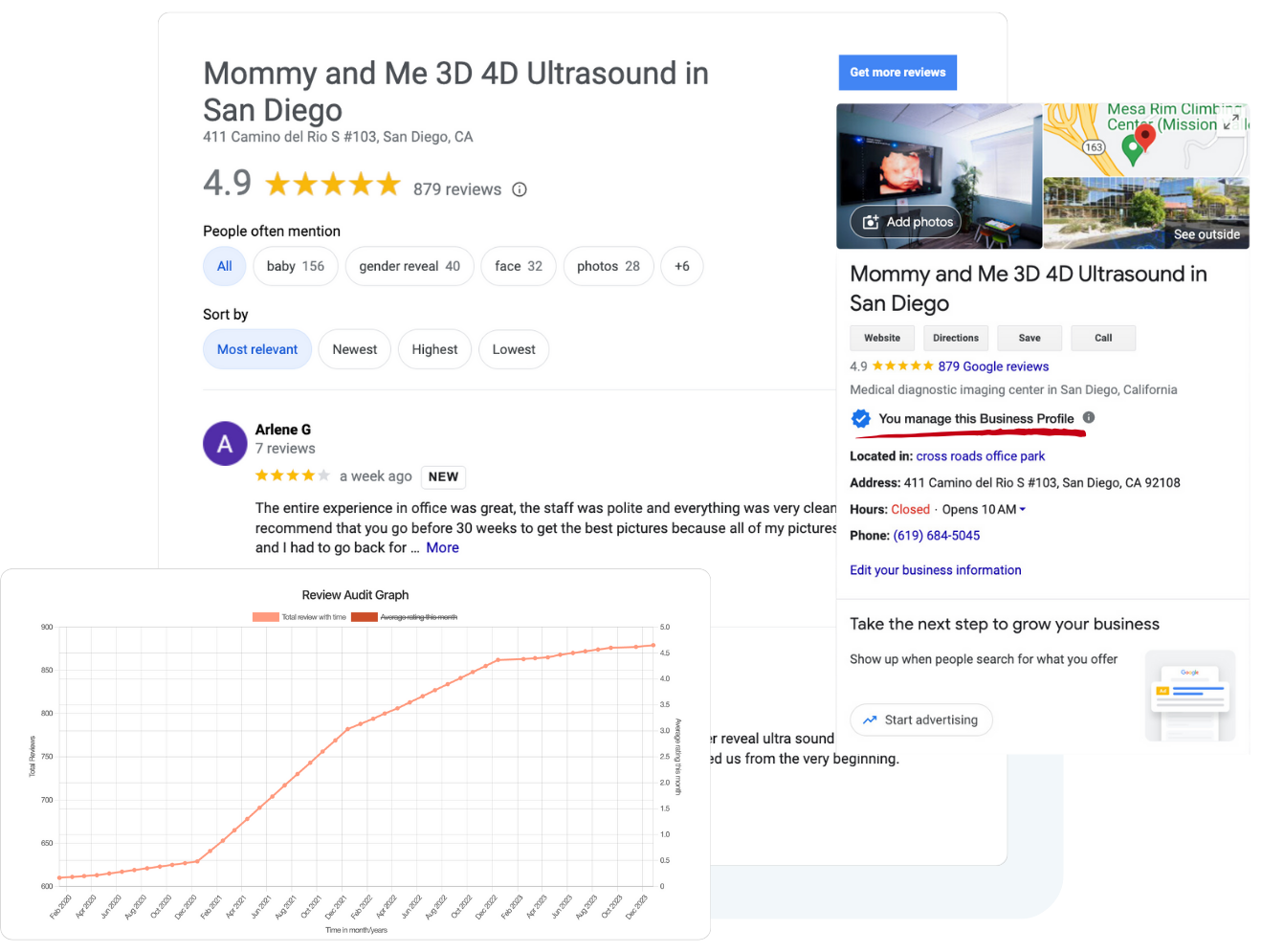
After receiving your ranking report, you can schedule a discovery call with SEO experts who will provide smart, actionable recommendations. This consultation helps you understand how to fix ranking issues and improve your local search presence to dominate local search results and attract more customers.
Track Your Google Maps Rankings for Any Location
A key advantage of using a Google Maps rank checker is the ability to continuously track rankings in your entire service area or multiple cities. This ongoing rank tracking provides: Many rank trackers offer automated scans, allowing users to schedule daily, weekly, or monthly updates, ensuring you always have the latest data to inform your local SEO strategy.
- Actionable Insights: Learn where your business stands and what areas need improvement to boost your local SEO success.
- Accurate Data: Obtain a precise snapshot of your Google Maps ranking and how your business ranks compared to competitors.
- Improved Visibility: Use insights to optimize your Google Business Profile, manage business hours, and enhance review management to attract more local customers.
By regularly monitoring your local search rankings with a reliable Google Maps rank tracker, you can adapt your local SEO strategy to changing trends and maintain a strong local search presence.

Best Local SEO Rank Tracking Tool
Trusted by numerous local businesses and SEO professionals, this maps rank checker tool has proven to be an invaluable asset for improving local search visibility. It supports multi location tracking, allowing multi location brands and businesses with multiple clients to manage their business listings effectively across various cities and service areas. Most Google Maps rank trackers also offer the ability to compare rankings with those of local competitors, providing a competitive edge in your SEO efforts. With features like white label reports, competitor tracking, and AI analysis, it empowers SEO professionals to gain deep local insights and impress clients by demonstrating tangible ranking progress and business growth. Some Google Maps rank tracking tools allow generating white-label reports for professional use, making it easier to present data to clients in a branded and professional format.

Owner of The Wrap Shop
Owner of The Cruz Law Office
Jay
Owner of JM Refinishing
Roberto Herrera
Owner of i5-Automotive
Adam Milbes
Owner of Intrigue Fine Jewelers


Start by Checking Your Ranking – Then Take Over Your Market
Many businesses have experienced significant improvements in their local rankings and customer engagement by using this tool. These examples demonstrate how consistent local rank tracking combined with expert recommendations can lead to more phone calls, more traffic, and ultimately, more customers.


Results for : ´cpa near me´ after 10 days
21.4%
Increase in Avg. Ranking
For the keyword “cpa near me“, a 21.4% increase in rankings after 10 days.


Results for : ´pest control company´ after 30 days
43.8%
Increase in Avg. Ranking
“Pest control company” saw a 43.8% boost after 30 days.


Results for : ´pressure tank repair´ after 55 days
174.6%
Increase in Avg. Ranking
“Pressure tank repair” experienced a 174.6% jump after 55 days.


Results for : ´auto body near me´ after 44 days
12.1%
Increase in Avg. Ranking
“Auto body near me” improved by 12.1% after 44 days.


Results for : ´towing company´ after 20 days
8.4%
Increase in Avg. Ranking
“Towing company” increased rankings by 8.4% after 20 days.


Results for : ´dumpster rental near me´ after 22 days
6.1%
Increase in Avg. Ranking
“Dumpster rental near me” grew by 6.1% after 22 days.
Complete Guide to Google Maps Ranking Checker Tools: Track Local SEO Performance in 2025
Introduction
A Google Maps ranking checker shows where your business appears in Google Maps and the local pack when customers search from different points across your city or service area. Instead of checking one keyword from one device, it uses geo-grid rank tracking to reveal how your business ranks across multiple points, neighborhoods, and target locations.
This guide covers tool selection, setup, competitor tracking, reporting, and optimization strategies for improving local search visibility. It is written for a local business owner, home service company, marketing agency, multi location brands, multi location businesses, and SEO professionals who need accurate local SEO insights beyond a single search result.
The direct answer: a Google Maps ranking checker tracks business visibility in local search results by simulating searches from precise geographic coordinates. This shows where your Google Business Profile is strong, where local competitors are winning, and where your local SEO efforts should focus next.
You will learn how to:
- Understand how a Google Maps rank tracker and local rank checker work.
- Choose the right local SEO tools based on business size, budget, and reporting needs.
- Set up geo grid rank tracking for local keywords, service areas, and multiple locations.
- Analyze competitor tracking, ranking changes, and local visibility gaps.
- Improve local SEO ROI by measuring ranking progress over time.
Local SEO increases visibility in local search results, and the stakes are significant: 46% of all Google searches are local, 78% of mobile local searches result in an offline purchase, and businesses with optimized local SEO receive 70% more foot traffic. For businesses that rely on calls, directions, appointments, or storefront visits, checking Google Maps rankings is not optional performance reporting-it is a practical growth tool.
Understanding Google Maps Ranking Checker Fundamentals
Google Maps ranking checkers are tools that simulate local search from multiple geographic points to show where a business appears in Google Maps, the local pack, and other local search results. They usually require a business location, Google Business Profile name, website, local keywords, and a city or service area, then return ranking data in a visual map grid.
The reason this matters is simple: Google Maps results are influenced by the searcher’s physical location. A plumbing company may rank first near its office, fifth three miles away, and not appear at all in another neighborhood. Single-location rank checks can make local rankings look better or worse than they really are.
Core metrics tracked include relevance, distance, and prominence for ranking. Google ranking factors include proximity to the searcher and business prominence, while relevance is shaped by categories, services, profile content, and local keywords. A useful local rank tracker helps you understand how those factors affect local map rankings across the entire service area.
How Geo-Grid Technology Works
Geo-grid technology places virtual search points across a target market, then checks local rankings from each point. Software can create visual map grids to scan for business rankings, often using a custom grid such as 3×3, 5×5, 7×7, 9×9, or 13×13. A 13×13 grid creates 169 individual ranking checks, giving a much clearer view than one manual Google search.
Tools simulate user searches from precise geographic coordinates. Some systems use UULE parameters, GPS coordinates, or geolocation methods; geolocations spoof GPS coordinates for ranking checks from specific neighborhoods. Heatmap tools simulate searches from precise locations to visualize rankings, often using color-coded cells to show whether a business ranks in the top 3, top 10, top 20, or not at all.
Geo-grid rank tracking shows visibility across multiple locations and across service areas. This is especially useful for a service area business because customers search from homes, offices, and mobile devices throughout the city-not just near the physical location. Local rank trackers show visibility changes across service areas, helping teams see where rankings shift and where optimization has the biggest upside.
Local Pack vs. Traditional SEO Tracking
The local pack is the set of map-based business listings that appears in Google Search for location-sensitive queries, often above or beside traditional organic search results. Traditional SEO rank tracking focuses on website pages in search engines, while Google local rank tracking focuses on Google Business Profile performance, Google Maps rankings, nearby competitors, and local search visibility.
The difference matters because a website can rank organically while the same business is weak in Google Maps. A local business may have a strong service page but poor local map visibility if the Google Business Profile is incomplete, reviews are weak, categories are wrong, or NAP information is inconsistent.
Proximity factors also create ranking variation by neighborhood. Customers search from different target locations, so the same business ranks differently across a local market. That is why accurate rank tracking needs multiple points instead of one average position from one device.
Once you understand that local rankings are location-dependent, the next step is choosing a map rank tracker with the features needed to turn ranking data into local SEO success.
Essential Features of Professional Ranking Checkers
A professional Google Maps ranking checker should do more than show a single number. It should reveal local visibility by geography, track competitors, provide historical data, and create reports that help teams act. The best local SEO tools connect rank tracking with decisions: what to optimize, where to focus, and how to prove progress.
Automated Geo-Grid Scanning
Automated geo-grid scanning lets you track rankings across a city or service area without manually searching from different places. You choose the business location, target keywords, grid size, radius, and schedule. A custom grid may cover a five-mile service area for a home service company, or several separate neighborhoods for multi location businesses.
Grid size and radius should match the local market. Dense urban markets often need tighter grids because rankings shift block by block. Suburban or rural businesses may need a wider map grid because customers search across a larger area. The goal is not to collect maximum data; the goal is to collect ranking data that reflects how real customers search.
Automation is essential because rankings shift over time. Daily or weekly scans help identify ranking changes after Google Business Profile optimization, review campaigns, citation cleanup, content updates, or competitor movement. Businesses can measure ROI by tracking ranking improvements over time, and historical data helps track trends and measure SEO impact.
Competitor Analysis Capabilities
Competitor tracking shows which local competitors outrank you at each grid point and where those competitors are gaining ground. Local rank trackers help identify competitor visibility gaps, and local rank trackers provide insights into competitor ranking changes. This turns a local ranking report into business intelligence.
Competitor analysis reveals where rivals gain new reviews, improve categories, expand service visibility, or begin dominating specific neighborhoods. GTrack monitors competitor profile changes in real-time, and GTrack provides real-time data from hundreds of pin locations. GTrack also provides 18 months of historical ranking data, which is useful when comparing your own ranking progress against nearby competitors.
For multiple locations, competitor analysis becomes even more important. GMB Radar tracks competitor strategies across multiple locations, and GMB Radar tracks performance across multiple locations over time. 30k+ users utilize GMB Radar for local rank tracking, which shows the demand for tools that combine rank monitoring with competitor strategy analysis.
White-Label Reporting Systems
White label reports are especially important for a marketing agency managing multiple clients or multiple client locations. A professional local rank tracker should let agencies export reports, add their own branding, schedule client updates, and summarize performance in plain language.
Useful reporting features include PDF exports, CSV files, heatmaps, dashboard access, local ranking report summaries, competitor comparisons, and historical data views. Agencies need to show not only where a business ranks today, but how local performance changed after specific local SEO efforts.
The strongest systems combine automated scanning, competitor tracking, reporting, and optimization recommendations. Businesses use insights from ranking checkers to optimize their Google Business Profile, improve local keywords, publish regular profile posts, upload fresh photos, fix NAP consistency, and focus review generation in neighborhoods where local visibility is weak.
Step-by-Step Implementation and Tool Comparison
After choosing the right feature set, implementation determines whether rank tracking becomes useful or noisy. A Google Maps rank tracker works best when the business profile is clean, keywords are intentional, grid settings match the real service area, and scans are repeated consistently.
Setting Up Your First Ranking Scan
Use an initial scan when launching a local SEO strategy, auditing a new client, opening a new business location, or measuring ranking progress after optimization work.
- Verify the Google Business Profile and choose keywords.
Confirm the business name, address, phone number, hours, categories, services, website, and photos. Consistent NAP information is critical for ranking. Use local keywords in your profile for better visibility, and choose terms customers actually search, such as “emergency plumber near me,” “roof repair Dallas,” or “HVAC repair in [city].” - Configure the geographic grid and radius.
Set the center point around the physical location, service area centroid, or priority neighborhood. A service area business may need more than one scan if it serves several target locations. Geo-grid rank tracking shows visibility across multiple locations, while tracking tools reveal visibility gaps in local search areas. - Add competitors for comparison.
Select nearby competitors that appear frequently in the local pack for your local keywords. Local rank trackers reveal visibility changes across service areas, and competitor overlays show where your business stands against the local market. This is where competitor tracking becomes more useful than a simple average position. - Schedule scans and alerts.
Run scans weekly for stable markets and more often during active campaigns. Compare results over time to see whether rankings shift after review growth, content updates, citation cleanup, or Google Business Profile optimization. Incognito mode can reduce personalization bias in local search results if you perform manual checks, but automated tools provide more consistent tracking.
Good optimization actions include gaining high-volume reviews because high-volume reviews boost visibility and credibility, publishing regular profile posts because regular profile posts keep your listing relevant, and uploading fresh photos because uploading fresh photos signals business activity to Google.
Tool Comparison Matrix
| Tool | Pricing | Grid accuracy | Reporting features | Automation capabilities | White-label options |
|---|---|---|---|---|---|
| Map Ranking | Free Google Maps ranking checker report available through the tool page; ongoing services and discovery call options available | Uses a local search grid report to show rank positions across a service area, typically within a 5-mile radius; designed for Google Maps and Google Business Profile visibility | Color-coded local ranking report, AI analysis, competitor comparison, and actionable recommendations | Supports automated ongoing rank tracking, multi-location tracking, and competitor monitoring | Offers white-label reporting for agencies and teams that need client-ready reports |
| BrightLocal | Public pricing varies by plan and usage | Strong local SEO platform with local rank tracking, citation tools, and reporting; grid depth depends on selected setup | Dashboards, reports, citation tracking, review tools, and client reporting | Scheduled reports and local SEO tracking workflows | Agency reporting features available on relevant plans |
| SEMrush | Pricing depends on selected SEMrush and local SEO plan | Broader SEO suite with local SEO features; useful when combining organic search, local search, and competitive analysis | Strong dashboards for search results, local performance, and broader SEO reporting | Scheduled tracking and multi-tool automation inside the SEMrush ecosystem | Reporting and agency features available depending on account level |
| LocalFalcon | Pricing typically depends on scan credits and usage | Known for visual local map rankings and geo grid rank tracking across multiple points | Heatmaps, scan history, and competitor visibility views | Recurring scans and tracking options available | Agency-friendly reporting options available |
| GBPPromote | Pricing varies by selected plan and business needs | GBPPromote tracks Google Maps visibility across multiple business profiles | GBPPromote allows comparison of current rankings with previous scans | Useful for ongoing monitoring of Google Maps visibility and ranking changes | Suitable for users managing more than one Google Business Profile |
For single-location small business owners, a free plan or free tools can be enough to identify major visibility gaps before investing further. For agencies managing multiple clients, white label reports, historical data, automated scheduling, and priority support matter more. For multi location brands, the key requirements are scalable local rank tracking, consistent reporting, and the ability to compare local performance across every business location.
The right tool should help you move from “check local rankings” to “improve rankings.” That means using ranking data to guide local SEO strategy, not treating the heatmap as the final deliverable.
Common Challenges and Solutions
Google Maps ranking checkers are powerful, but they can be misunderstood. The most common problems are inaccurate location-based results, too much data, and cost escalation when tracking multiple locations or many keywords.
Inaccurate Location-Based Results
Inaccuracy usually comes from checking only one location, using unstable location signals, choosing a grid radius that is too broad, or comparing personalized manual searches against automated scans. Google Maps results are influenced by the searcher’s physical location, so a single search from your office does not represent the entire service area.
Use precise grid settings, consistent scan timing, and a realistic service radius. Tools that simulate user searches from precise geographic coordinates are more useful than casual manual checks. Incognito mode can reduce personalization bias in local search results, but it does not replace geo-grid rank tracking.
Overwhelming Data Without Actionable Insights
Large scans can create hundreds of cells, many keywords, and several competitor layers. Without prioritization, teams may stare at heatmaps without knowing what to fix first.
Focus on priority metrics such as average position, top-3 coverage, ranking changes, and competitor visibility gaps. Local rank trackers help identify competitor visibility gaps, while tracking tools reveal visibility gaps in local search areas. Use filters for high-intent local keywords, important neighborhoods, and service lines that drive revenue.
Then connect the data to action: update categories, improve service descriptions, add local keywords, request more reviews, publish regular profile posts, upload fresh photos, and build local citations. Local SEO can improve conversion rates by 25% or more when the work targets the right audience and the right service area.
High Cost for Multi-Location Tracking
Costs rise when you track many keywords, multiple locations, dense grids, frequent scans, and long historical data windows. Multi location brands and agencies can quickly burn through scan credits if every location gets the same tracking depth.
Use strategic scanning frequency. Run weekly or biweekly scans for stable locations, daily scans for competitive campaigns, and wider grids only where the service area requires them. Prioritize locations with the highest revenue potential or the largest visibility gaps. Historical data helps track trends and measure SEO impact, but not every keyword needs daily tracking forever.
The best approach is to balance accuracy, cost, and actionability. If the ranking data does not change what you do next, reduce the scan complexity and focus on insights that improve local visibility.
Conclusion and Next Steps
A Google Maps ranking checker helps local businesses understand where they appear in Google Maps, where they are invisible, and which competitors are winning neighborhood by neighborhood. Because local search visibility changes by proximity, relevance, and prominence, a geo grid gives a much more accurate picture than one manual search.
Start with these next steps:
- Choose a local rank tracker that matches your business size, reporting needs, and service area.
- Run an initial geo-grid scan for your most important local keywords.
- Establish a competitor baseline against nearby competitors in the local pack.
- Use the ranking data to improve Google Business Profile optimization, reviews, local content, photos, posts, and citations.
- Track rankings over time to measure ranking progress and local SEO ROI.
Related areas worth exploring include Google Business Profile optimization, local citation building, review management strategies, and local content creation. Each one directly affects how your business stands in Google Maps, the local pack, and local search results.
Additional Resources
- Try Map Ranking’s free tool: Google Maps Ranking Checker
- Review Google’s official guidance on local ranking factors, including relevance, distance, and prominence: Google Business Profile local ranking guide
- Build an optimization checklist around NAP consistency, high-volume reviews, regular profile posts, local keywords, fresh photos, competitor tracking, and historical ranking data.
- For agencies, compare tools based on white label reports, own branding, multiple client locations, historical data, automation, and priority support.
Google Maps Rank Checker: Frequently Asked Questions
Learn how the Google Maps Rank Checker works, what to expect from your report, and how it can help you dominate local search.
Boost Your Google Business Profile Rankings Today
Boost your Google Business Profile rankings today by using a reliable Google Maps rank tracker. Fill out the form to receive your free local search grid ranking report and discover how your business ranks across your entire service area. With expert guidance and continuous local rank tracking, you can impress clients, gain actionable insights, and achieve lasting local SEO success that drives more traffic and phone calls to your business.
Can’t find your GMB listing?